

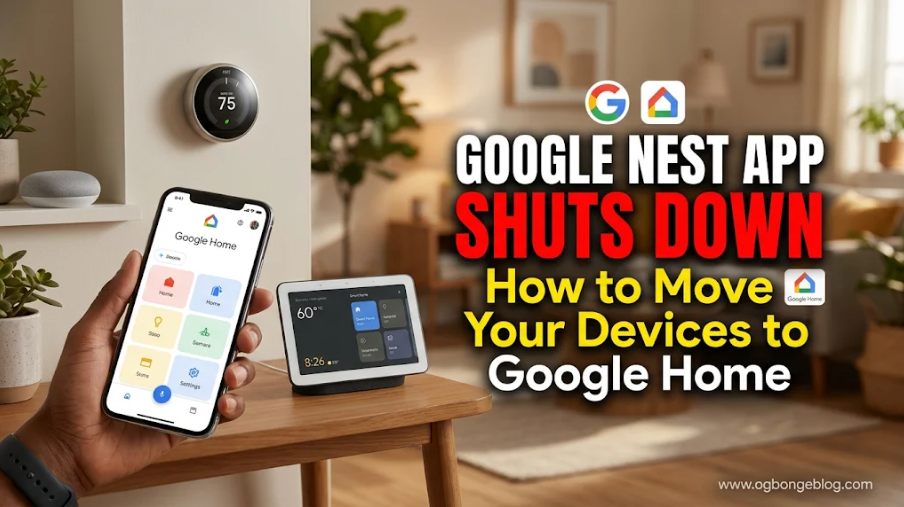
Google is officially retiring the Nest app, meaning millions of users who currently manage their smart home devices through the Google Nest app will need to switch to the Google Home app.
According to an announcement published by Google on November 20, 2026, the Nest app will be discontinued on January 25, 2027. The shutdown will affect the Nest app on Android, iOS and the web.
The change is part of Google’s plan to bring its smart home devices and services together under one platform, making it easier for users to manage their connected devices without switching between multiple applications.
If you own Google Nest cameras, doorbells, thermostats, smart locks or other supported Nest devices, here’s what you need to know about the shutdown and how to prepare for the transition.
When Will the Google Nest App Shut Down?
Google has confirmed that the Nest app will no longer be available from January 25, 2027.
After this date, users will no longer be able to use the Nest app on Android or iOS or access their devices through the Nest website at home.nest.com.
To continue controlling your Nest devices remotely, viewing camera footage and receiving notifications, you will need to use the Google Home app.
You can also access your compatible smart home devices through Google’s web platform at: https://home.google.com
It’s worth noting that Google is not discontinuing Nest hardware. Your supported Nest devices will continue working. The change only affects the application used to manage and control them.
What Happens to Your Google Nest Devices After the Shutdown?
Google says supported Nest devices will automatically move to the Google Home app starting January 25, 2027.
This means you won’t have to manually set up every device again or scan QR codes to reconnect them.
The automatic transfer will cover supported devices such as:
- Google Nest cameras and video doorbells.
- Google Nest thermostats.
- Nest Protect smoke and carbon monoxide alarms.
- Nest x Yale smart locks.
Your device settings and schedules will also transfer, while camera video history, including event recordings and 24/7 video history, will move to the Google Home app.
However, there are a few things you should do before the transition date, particularly if you have saved video clips in your Nest account.
Download Google Home App for Android and iOS
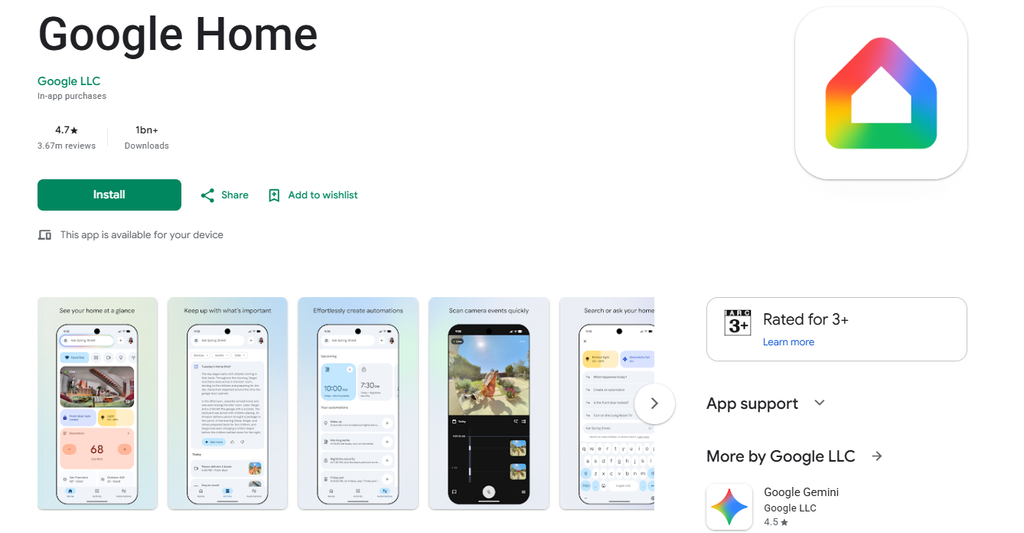
The Google Home app is Google’s central platform for managing compatible smart home devices, including Google Nest products.
If you haven’t installed it already, you can download the application using the links below.
Download Google Home App For Android users:
Download Google Home from the Google Play Store:
https://play.google.com/store/apps/details?id=com.google.android.apps.chromecast.app
Download Google Home App For iPhone and iPad users:
Download Google Home from the Apple App Store:
https://apps.apple.com/us/app/google-home/id680819774
You’ll need a Google Account to use the Google Home app. If you currently sign in to Nest using a separate Nest account and password, you’ll need to migrate that account to a Google Account.
How to Move Your Google Nest Devices to the Google Home App
Google says most of the transition will happen automatically, but there are a few things you should do to prepare before January 25, 2027.
Here are the important steps:
1. Download and Install the Google Home App
Start by downloading the Google Home app on your Android or iOS device using the download links provided above.
Open the application and sign in with your Google Account.
If you previously used a separate Nest account, make sure you complete the one-time account migration process to link it to your Google Account.
Users who started using the Nest app after August 19, 2019, are generally already using a Google Account and won’t need to migrate their accounts.
2. Download Your Saved Nest Camera Video Clips
This is particularly important if you use Google Nest cameras or video doorbells.
Google has confirmed that custom video clips manually saved in the Nest web app’s clip library will not automatically transfer to Google Home.
To avoid losing videos you want to keep, visit:
Before January 25, 2027, locate your saved video clips and use the Download All option to save them to your computer.
Note that this applies to manually saved clips in the Nest web clip library. Your regular camera video history, including event recordings and 24/7 recordings, will automatically transfer to Google Home, subject to the normal video history retention period.
3. Allow Google to Automatically Transfer Your Nest Devices
You don’t need to reconnect all your supported Nest devices manually.
Starting January 25, 2027, Google will automatically transfer your supported Nest devices, including cameras and doorbells, to the Google Home app.
Your associated video history, device settings and schedules will also transfer.
Once the process is complete, you can manage your devices from the Google Home app instead of the Nest app.
If you have an eligible device and want to move it before January 25, Google also provides a manual transfer option for certain Nest thermostats, locks, smoke alarms and cameras.
4. Check Your Nest Aware Subscription
If you currently subscribe to the first-generation Nest Aware plan, there’s good news.
Google says Nest Aware (1st Gen) subscriptions will automatically transition to Google Home Premium Advanced starting January 25, 2027.
Google Home Premium is replacing the first-generation Nest Aware subscription, bringing camera coverage and additional smart home features under Google’s newer subscription service.
Google says existing first-generation subscribers will receive an email before the transition with information about their subscription.
The transition is designed to ensure that eligible subscribers continue receiving their existing coverage without interruption. Google has also outlined how existing subscription prices and recording coverage will carry over.
For reference, Google Home Premium plans start at $10 per month, although the subscription transition for existing Nest Aware (1st Gen) customers has its own pricing arrangements.
Can You Still Access Google Nest Cameras From a Web Browser?
Yes!
Although the Nest website at home.nest.com will no longer be available for managing your devices after January 25, 2027, Google is providing an alternative.
You can visit:
The Google Home web platform will allow you to view compatible Nest camera live streams, browse video history and download video clips of up to five minutes.
This means you can still monitor your home from a desktop or laptop without necessarily installing the Google Home mobile application.
What Happens If You Don’t Switch to the Google Home App?
If you don’t install the Google Home app before January 25, 2027, your supported Nest devices will still function in your home.
However, you will no longer be able to remotely control them, view their camera feeds or receive notifications through the discontinued Nest app.
There is another important deadline to remember.
Google says users who still have separate, unmigrated Nest accounts must link them to a Google Account before March 25, 2027.
After that date, Google will begin processing the deletion of unmigrated Nest accounts, including associated data and subscriptions.
Therefore, don’t wait until the last minute to migrate your account.
Google Is Also Replacing Google Assistant With Gemini for Home
The Nest app shutdown isn’t the only major change Google has announced for its smart home ecosystem.
Google is also preparing to retire Google Assistant on its smart speakers and smart displays.
According to the announcement, Google Assistant will be discontinued on home devices starting August 2, 2027, as Gemini for Home takes over as Google’s new voice assistant.
The upgrade will bring more advanced AI-powered voice interactions to compatible Google Home speakers and smart displays.
This is a separate change from the Nest app shutdown, but both announcements are part of Google’s broader plan to modernise its smart home experience.
Final Thoughts On Google Nest App Shut Down
If you currently use the Google Nest app to manage your home security cameras, thermostats, smart locks or other supported devices, it’s time to prepare for the transition.
The good news is that Google isn’t discontinuing your Nest hardware, and most of your devices, settings and camera history will automatically move to the Google Home app.
However, remember to download any saved Nest camera clips you want to keep and ensure that your Nest account is linked to a Google Account before the relevant deadlines.
January 25, 2027, is the date to remember!
For more information, visit Google’s official announcement and support page:
- Google announcement: https://support.google.com/googlehome/thread/478236207/a-modern-foundation-for-your-smart-home-changes-coming-to-google-assistant-and-nest-app
- Nest app transition guide: https://support.google.com/googlehome/answer/18959693
- Google Home app: https://home.google.com


Leave a Reply