

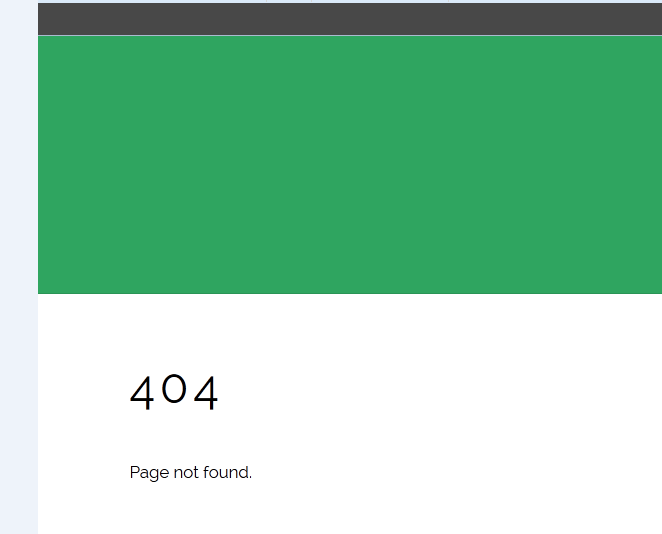
After a client upgraded his site to the latest WordPress, he couldn’t log in via “wp-admin” as it keeps redirecting to 404 page. He contacted me and I got it fixed for him. So, in this post, I’ve decided to share with you, the steps I took in solving the problem.
STEPS
==> Signed in to cPanel
==> Navigated to “File Manager” > “wp-content”
==> Changed the name of the “plugins” folder to “plugins.off” (whichever name would be fine)
I tried to sign into WordPress dashboard and I logged in successfully without any redirection. Hence, I concluded the problem is probably with one of the plugins. So, I continued with the steps below:
==> Logged out of WordPress dashboard
==> Signed in back to cPanel
==> Navigated to “File Manager” > “wp-content”
==> Renamed the “plugin.off” folder name back to “plugins”
==> Opened the “plugins” folder
==> Renamed the folder of the plugin which I think could be the culprit of the problem.
Thereafter, I was able to sign in to the WordPress dashboard without been redirected to 404 page.
Within the WordPress dashboard, I navigated to “Plugins”, and deleted the culprit plugin and its files and re-installed a fresh copy of the plugin.
That’s all.
If you’re experiencing this problem, try this trick and let me know if it works for you.
Have fun!



Leave a Reply