

In today’s digital world, many internet users encounter restrictions when trying to access certain websites, apps, streaming services, or online platforms. Sometimes these restrictions are imposed by governments, internet service providers (ISPs), schools, workplaces, or even app developers themselves.
One of the most effective ways to bypass such restrictions is by using a Virtual Private Network (VPN). A VPN allows you to connect to the internet through a secure server located in another country or region, helping you access blocked content while improving your online privacy and security.
In this guide, you’ll learn what a VPN is, how VPN Apps work, how to use them to bypass app restrictions, and some of the best VPN apps available for Android phones and iPhones.
What Is a VPN?
VPN stands for Virtual Private Network.
A VPN creates an encrypted connection between your device and the internet. Instead of connecting directly to a website or app, your internet traffic passes through a VPN server first.
This process helps to:
- Hide your real IP address
- Encrypt your internet connection
- Improve online privacy
- Protect your data on public Wi-Fi
- Access content that may be restricted in your location
For example, if an app is unavailable in your country, connecting to a VPN server in a country where the app is available may allow you to access it.
Why Are Some Apps Restricted?
There are several reasons why apps become inaccessible in certain locations.
1. Government Restrictions
Some governments restrict access to specific social media platforms, messaging apps, or websites for regulatory or political reasons.
2. Geographic Restrictions
Many apps and streaming services only operate in selected countries. If you’re outside those countries, access may be limited.
3. School and Workplace Networks
Educational institutions and organizations often block certain apps to reduce distractions and conserve bandwidth.
4. ISP Restrictions
Internet Service Providers sometimes limit access to specific websites or services due to government directives or network policies.
5. Content Licensing Agreements
Streaming platforms often restrict content availability based on licensing agreements with content creators and distributors.
How Does a VPN Help Bypass App Restrictions?
A VPN helps by masking your real location and routing your internet traffic through a server in another location.
When you connect to a VPN:
- Your internet traffic becomes encrypted.
- Your device receives a new IP address.
- Websites and apps see the VPN server’s location instead of your actual location.
- Restricted services may become accessible if they are available in the VPN server’s region.
This makes VPNs one of the most popular tools for accessing content that may otherwise be unavailable.
Benefits of Using VPN Apps
Here are some major advantages of using a VPN:
Enhanced Privacy
VPNs prevent websites and third parties from easily tracking your online activities.
Improved Security
VPN encryption helps protect sensitive information, especially when using public Wi-Fi networks.
Access to Restricted Content
VPNs can help users access websites and apps that are unavailable in their region.
Safer Browsing
VPNs reduce the risk of cybercriminals intercepting your internet traffic.
Reduced Tracking
Advertisers and websites have a harder time identifying your real location and browsing habits.
How to Use VPN Apps to Bypass Restrictions
Using a VPN is relatively simple, even for beginners.
Step 1: Download a VPN App
Install a trusted VPN application from the Google Play Store or Apple App Store.
Step 2: Create an Account
Some VPN providers require account registration, while others offer limited free access without registration.
Step 3: Launch the VPN App
Open the VPN app after installation.
Step 4: Choose a Server Location
Select a country where the restricted app or service is available.
Step 5: Connect to the VPN
Tap the Connect button and wait for the VPN to establish a secure connection.
Step 6: Open the Restricted App
Once connected, launch the app or website you want to access.
Step 7: Verify Connectivity
If the app still does not work, try connecting to another server location.
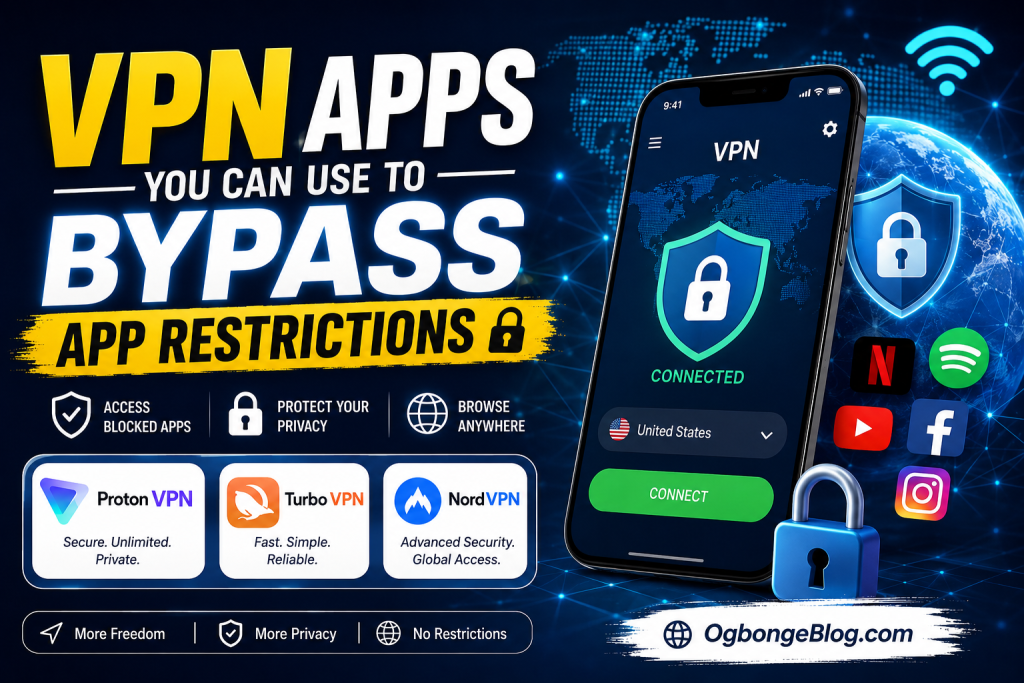
Best VPN Apps You Can Use To Bypass App Restrictions
Below are some of the most popular VPN apps for Android and iPhone users.
1. Proton VPN
Overview
Proton VPN is one of the most trusted VPN services available today. Developed by the team behind Proton Mail, it focuses heavily on privacy and security.
One of its biggest advantages is that it offers a free plan with no data limits, making it ideal for users who need basic VPN protection without paying.
Key Features
- Free plan available
- No data limits on free accounts
- Strong encryption
- No-logs policy
- Secure Core servers
- High privacy standards
- Available for Android and iPhone
How to Download Proton VPN on Android
- Open Google Play Store.
- Search for “Proton VPN.”
- Tap Install.
- Open the app after installation.
- Create an account or sign in.
How to Download Proton VPN on iPhone
- Open the App Store.
- Search for “Proton VPN.”
- Tap Get.
- Install and launch the app.
- Create or log into your account.
2. Turbo VPN
Overview
Turbo VPN is one of the most popular free VPN applications worldwide. It is known for its simplicity and ease of use.
Many beginners choose Turbo VPN because connecting requires only a single tap.
Key Features
- Simple user interface
- Fast connections
- One-tap connect
- Multiple server locations
- Android and iOS support
- Free version available
How to Download Turbo VPN on Android
- Open Google Play Store.
- Search for “Turbo VPN.”
- Tap Install.
- Launch the application.
- Connect to your preferred server.
How to Download Turbo VPN on iPhone
- Open the Apple App Store.
- Search for “Turbo VPN.”
- Tap Get.
- Install the application.
- Open and connect to a server.
3. NordVPN
Overview
NordVPN is widely regarded as one of the best premium VPN services in the world. It offers thousands of servers across numerous countries and provides advanced security features.
It is suitable for users who need fast speeds, strong security, and reliable performance.
Key Features
- Thousands of global servers
- Double VPN protection
- Threat Protection feature
- Fast connection speeds
- Military-grade encryption
- No-logs policy
- Android and iOS support
How to Download NordVPN on Android
- Open Google Play Store.
- Search for “NordVPN.”
- Tap Install.
- Open the app.
- Sign up or log in.
- Connect to a preferred server.
How to Download NordVPN on iPhone
- Open the App Store.
- Search for “NordVPN.”
- Tap Get.
- Install the application.
- Sign in and connect.
Common Problems When Using VPNs
VPN Not Connecting
Try switching networks or selecting another server.
Slow Internet Speed
Choose a server closer to your location or upgrade to a premium plan.
App Still Restricted
Some services actively detect VPNs. Try another server or VPN provider.
Frequent Disconnections
Update the VPN app and ensure your internet connection is stable.
Frequently Asked Questions
Can I Use a Free VPN?
Yes. Services like Proton VPN and Turbo VPN offer free plans, though they may have limitations.
Can VPNs Improve Internet Speed?
VPNs generally do not increase internet speed. In some cases, they may slightly reduce speed due to encryption overhead.
Are VPNs Legal?
VPN legality varies by country. Users should always comply with local laws and regulations.
Can VPNs Protect My Privacy?
A reputable VPN can significantly improve privacy by encrypting your internet traffic and hiding your IP address.
Conclusion On VPN Apps You Can Use To Bypass App Restrictions
VPN apps have become essential tools for internet users who want greater privacy, improved security, and access to content that may be restricted in their location. Whether you are trying to access blocked apps, browse more securely on public Wi-Fi, or protect your online activities, a reliable VPN can help.
Among the best options available today are Proton VPN, Turbo VPN,NordVPN, HotspotShield VPN etc. Proton VPN is ideal for users looking for a free VPN with unlimited data, Turbo VPN offers simplicity and ease of use, while NordVPN provides premium features, top-tier security, and excellent performance.
Before choosing a VPN, consider your budget, privacy needs, and desired features. Always download VPN apps from official app stores to ensure security and reliability.
If you know other vpn apps you can recommend, kindly share in comment section. And if you want me to add some VPN apps to this list, kindly contact me.


Leave a Reply